

Choose your trusted traveler program
Four main Trusted Traveler Programs exist, each designed for specific border-crossing habits. Picking the wrong one means paying for benefits you never use. Start by matching your primary travel pattern to the correct program.
| Program | Cost | Coverage | Best For |
|---|---|---|---|
| Global Entry | $100 | U.S. arrival + TSA PreCheck | International travelers |
| NEXUS | $50 | U.S./Canada border + TSA PreCheck | Frequent Canada/U.S. crossers |
| SENTRI | $122 | U.S./Mexico land border | Frequent Mexico land crossers |
| TSA PreCheck | $78 | Domestic U.S. flights only | Domestic flyers only |
Global Entry is the most popular choice for international travelers because it includes TSA PreCheck. You get expedited customs clearance upon arrival in the U.S. and faster security lines for domestic flights. The $100 fee covers five years. If you fly internationally once or twice a year, this is usually the best value.
NEXUS costs only $50 but requires interviews at designated land ports of entry. It is ideal if you cross the Canadian border by car or plane frequently. SENTRI is similar but focused on the Mexico border. TSA PreCheck is the cheapest option but only helps with airport security, not customs.

Your decision should depend on where you cross borders most often. If you only fly domestically, TSA PreCheck is sufficient. If you cross land borders, NEXUS or SENTRI offers better speed. For most international travelers, Global Entry is the standard choice. Check the official Trusted Traveler Programs website for current interview availability.
Create your online account and apply
The first step to getting Global Entry is setting up a profile on the official Trusted Traveler Programs (TTP) website. This portal manages all applications for Global Entry, TSA PreCheck, NEXUS, and SENTRI. You need a single account to track your status, schedule interviews, and update your personal details.
Step 1: Register for a TTP account
Navigate to ttp.dhs.gov and click "Create an Account." You will need a valid email address and a strong password. The system uses Login.gov for identity verification, so you may be redirected to create or link a Login.gov account. This adds a layer of security to your personal data. Once registered, you can log in to start a new application.
Go to the Trusted Traveler Programs website and select "Create an Account." Follow the prompts to set up your login credentials using a valid email address. The system integrates with Login.gov for secure identity verification, ensuring your personal data is protected from the start.

After logging in, select "Apply for a Program" and choose Global Entry. You will need to provide your full legal name, date of birth, and citizenship information. Ensure your name matches your passport exactly. Any discrepancies can delay the review process or lead to rejection.
Fill in your travel history, including international trips from the past three years. You must disclose any criminal history, customs violations, or pending charges. Honesty is critical here. Lying on the application is a federal offense and will result in an immediate denial. If you have no disqualifying events, simply mark "No" to the relevant questions.
Review all entered information for accuracy. The application fee is $100, which is non-refundable even if your application is denied. Pay using a credit or debit card. Once submitted, you will receive a confirmation number. Your application status will change from "Pending" to "Submitted," and you will wait for a conditional approval before scheduling an interview.
Why accuracy matters
The TTP system cross-references your data with government databases. Incomplete or incorrect information triggers manual reviews, which can take weeks longer than the standard processing time. Take your time to verify every field. If you need to update your address or passport number after submitting, you can do so through your account dashboard before your interview.
What happens next?
After submission, wait for conditional approval. This usually takes a few weeks but can take up to six months. Once approved, you will receive an email inviting you to schedule an in-person interview at a Global Entry enrollment center. Do not schedule the interview until you receive this specific notification.
Schedule your enrollment interview
Once your Global Entry application receives conditional approval, you must complete the final step: an in-person interview with a Customs and Border Protection (CBP) officer. This is the only way to activate your Trusted Traveler status. You can book this appointment through the Trusted Traveler Programs (TTP) online system.
Log in to your TTP account and navigate to the "Appointments" section. Select "Schedule Enrollment Interview." The system will display available slots at your chosen enrollment center. Availability varies significantly by location and time of year. Major airports often fill up weeks in advance, so check for cancellations regularly or consider smaller regional centers if you live nearby.
Visit the Trusted Traveler Programs website and log in with your TTP ID and password. Locate the "Appointments" tab in the dashboard to begin the scheduling process.

Choose your preferred enrollment center from the dropdown menu. The system will show a calendar of available dates. Pick a time that fits your schedule, keeping in mind that morning slots often have shorter wait times for the actual interview.
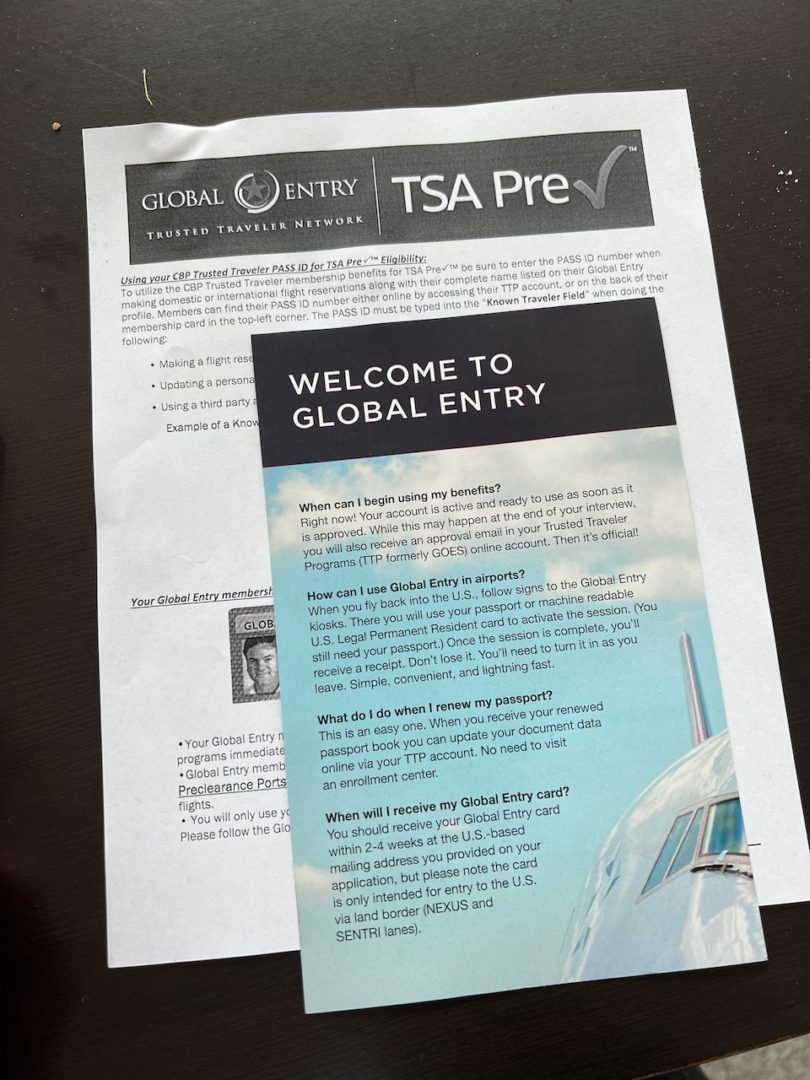
Review the appointment details and confirm your booking. Print the confirmation page. Bring your current passport and one other government-issued photo ID (such as a driver's license) to the interview. If you are a permanent resident, bring your Green Card as well.
Enrollment on Arrival
If you receive conditional approval while you are already traveling abroad, you do not need to schedule a separate appointment. This option is called "Enrollment on Arrival." Simply present your conditional approval notice and your passport to a CBP officer at the designated Global Entry kiosks or primary inspection booths at major U.S. airports. The officer will conduct the interview on the spot, allowing you to activate your membership immediately upon landing.
This method is ideal for travelers who receive approval right before a trip. However, it requires patience, as you will be joining the standard customs queue rather than using the expedited kiosk line until your status is fully verified. If you have flexibility, scheduling a dedicated appointment before you travel is generally faster.
Prepare for the officer interview
The interview is the final hurdle in your Global Entry application. It is brief, usually lasting only a few minutes, but it is where a conditional approval can turn into a full membership or a denial. The officer will verify your identity and ask about your travel history. Your goal is to be concise, honest, and polite.
What to expect
You will sit down with a CBP officer at your enrollment center. They will ask standard questions about your background, employment, and recent travel. They may also ask if you have ever been arrested or if you have carried more than $10,000 in currency abroad. These questions are routine; they are not trying to trick you.
Bring both your passport and driver's license even if you uploaded digital copies. Having physical documents ready speeds up the verification process significantly.
How to answer
Keep your answers short and direct. Do not volunteer extra information or share stories about your trip unless asked. If you do not understand a question, ask the officer to repeat it. Nervousness is common, but rambling can raise unnecessary flags.
If you made a mistake on your application, admit it immediately. Honesty is far more important than perfection. A small error corrected on the spot is rarely an issue; hiding it can be seen as misrepresentation.
Common mistakes to avoid
Many applicants fail because they are unprepared or disrespectful. Do not joke about security threats or illegal activities. Do not argue with the officer if they ask a difficult question. If you are denied on the spot, you will be given instructions on how to appeal the decision.
The process is designed to be efficient for low-risk travelers. If you are prepared and respectful, the interview will be a quick formality before you start enjoying expedited clearance.
Use your trusted traveler benefits
Once approved, your status is active immediately. The first step is to add your Known Traveler Number (KTN) to every airline reservation. You can find this number in your Trusted Traveler Programs (TTP) account dashboard. Enter it during booking or in the "Known Traveler Number" field of your airline profile. This ensures your boarding pass displays the TSA PreCheck indicator, which is required for expedited screening.
When you arrive at the airport, look for Global Entry kiosks in the U.S. Customs and Border Protection area. These kiosks handle your entry process faster than standard passport control. You will scan your passport or U.S. permanent resident card, place your fingerprints on the scanner, and complete a declaration on the touchscreen. The kiosk prints a receipt, which you hand to an officer for final processing.

Common application mistakes to avoid
Most Global Entry delays stem from avoidable clerical errors rather than security issues. The Trusted Traveler Programs (TTP) system is strict about data consistency. Even minor discrepancies between your application and official records can trigger manual reviews or denials.
Incomplete employment history
The application requires your current and previous employers for the last four years. Omitting a short-term job or listing "student" without dates often causes holds. If you were unemployed, select "unemployed" and provide the specific dates. Gaps must be explained clearly.
Incorrect passport or ID details
A single digit error in your passport number or Social Security Number will halt processing. These fields are cross-referenced with federal databases. Double-check your documents against the application form before submitting. Ensure your name matches your passport exactly, including middle names if they appear there.
Using the wrong TTP account
Creating a new Trusted Traveler Program account instead of logging into your existing one leads to duplicate profiles. This confuses the system and can result in a denied application. Always log in with your established credentials to update or submit your application.
-
Verify name spelling matches passport exactly
-
Confirm passport expiry is at least 6 months out
-
List all employers for the last 4 years
-
Double-check passport and SSN digits
Have your passport, driver's license, and Social Security card ready. Ensure all information is legible and current before starting the online form.
Access the Trusted Traveler Programs website using your established credentials. Do not create a new profile to avoid duplicate records.
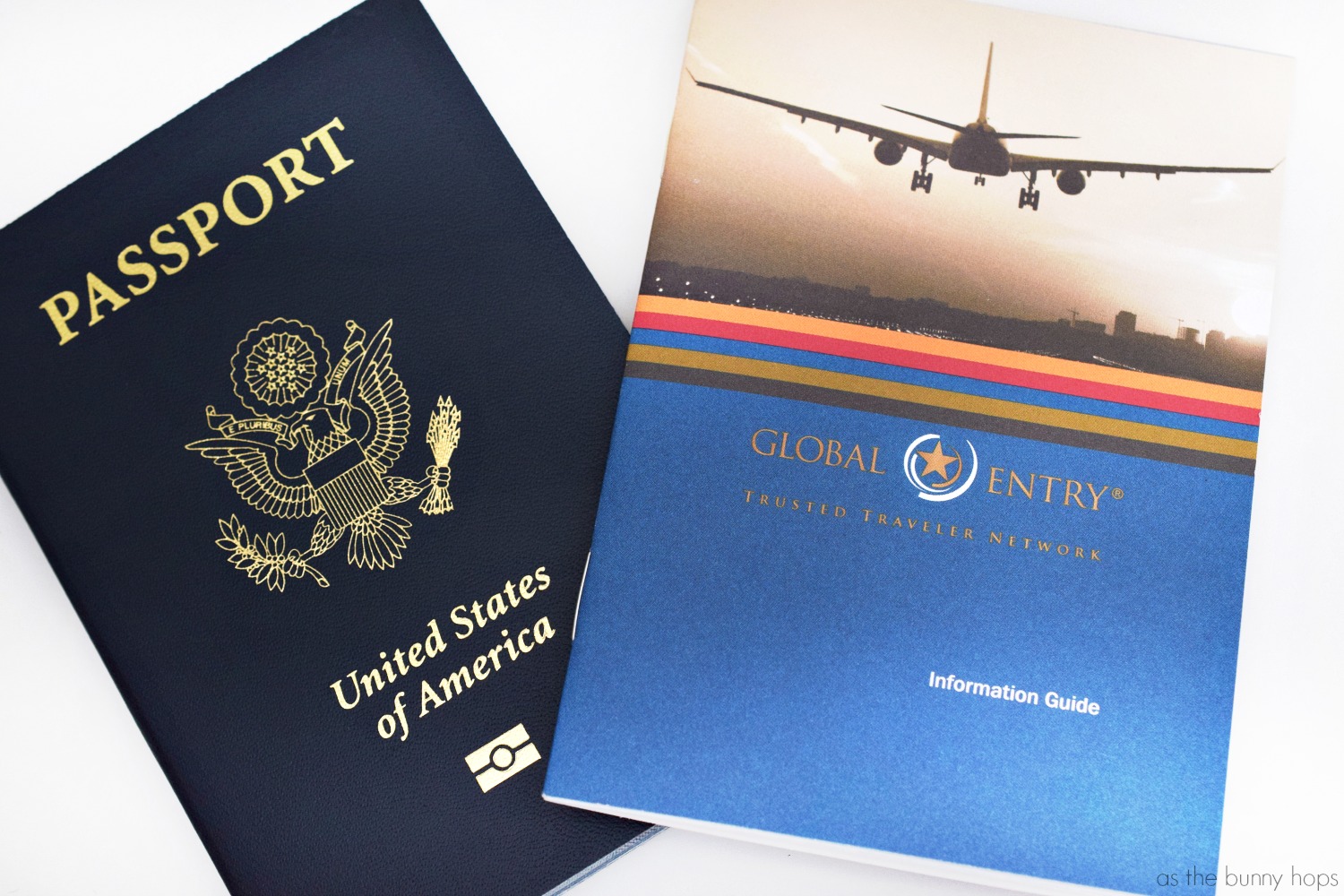
Carefully review every field for accuracy. Submit the application and note your confirmation number for status tracking.
Frequently asked questions about trusted travel
Here are the most common questions travelers ask about Global Entry and Trusted Traveler Programs.
No comments yet. Be the first to share your thoughts!